Secure digital exam platform
Exams that measure the student.Not artificial intelligence.
Clausa locks the computer during the exam, shows the teacher the whole room live and keeps a record of everything. For schools, training centres and universities.
Created by Christophe Soares and already used in real assessments in higher education.
With AI one click away, a test on a computer no longer proves what the student knows. The teacher sees backs and monitors, not what is on each screen. And with no record of what happened, an appeal is one word against another.
Locked-down environment
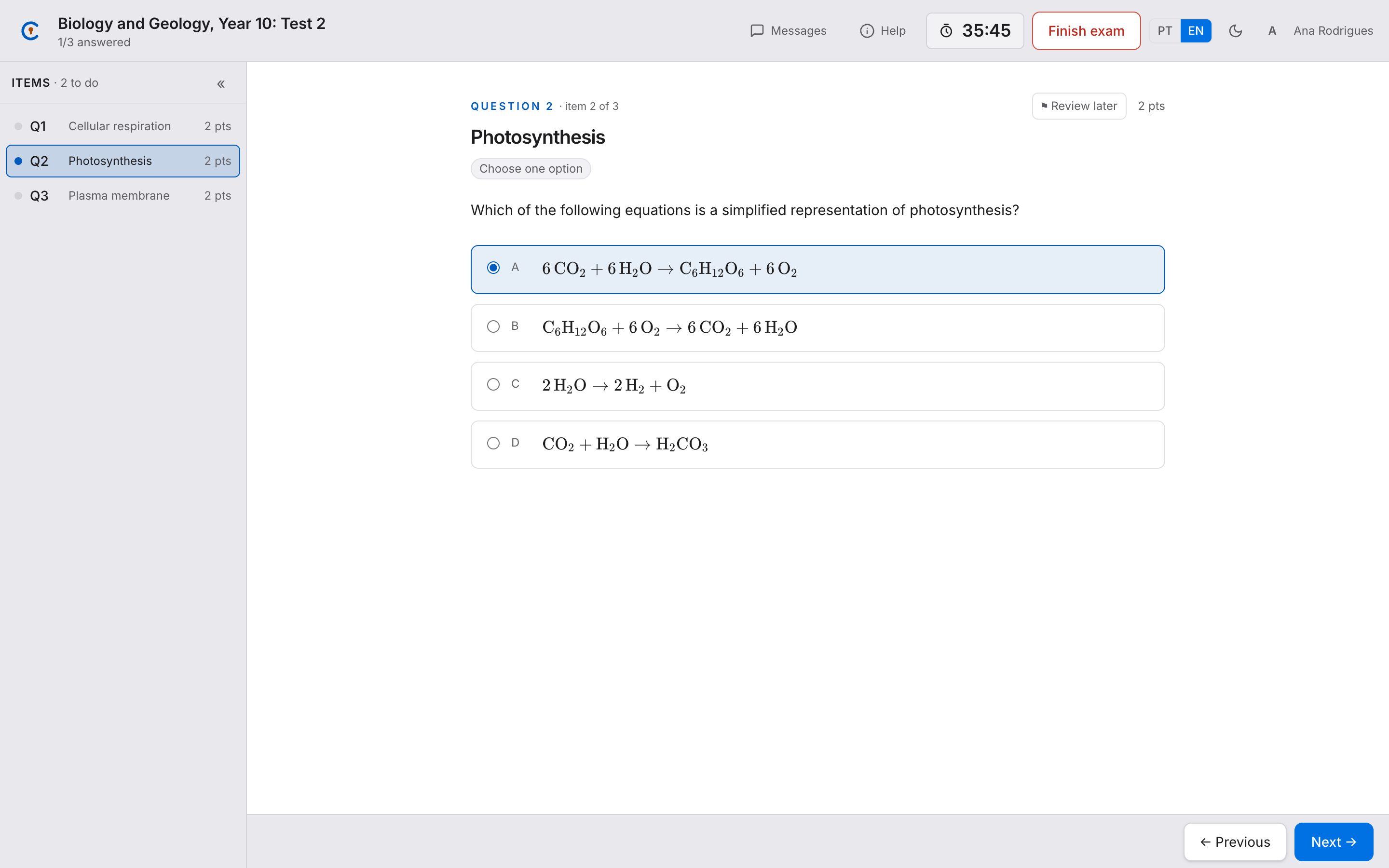
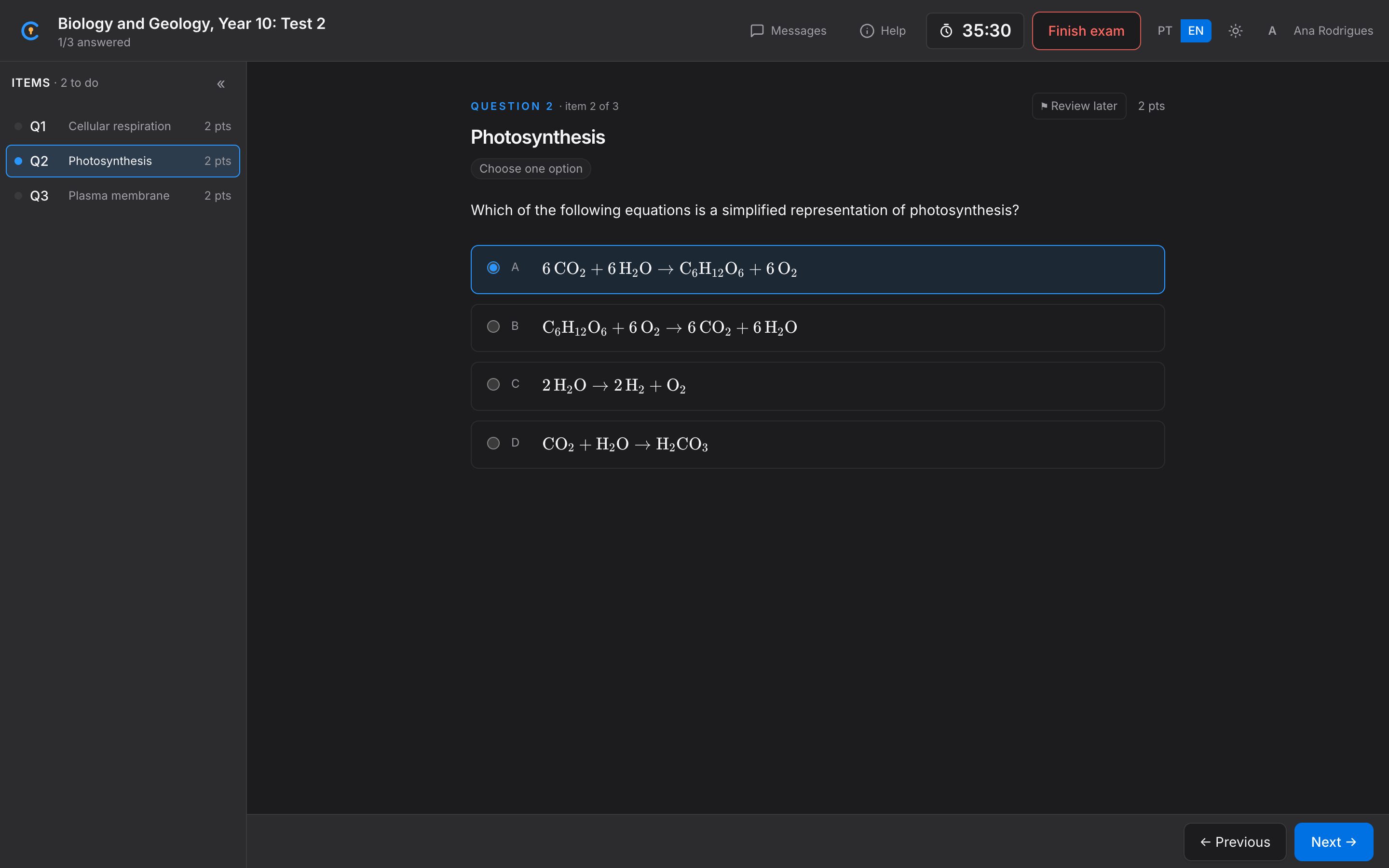
During the exam, the computer only shows the exam.
With Safe Exam Browser, free and used by schools and universities around the world, there are no other apps, no other websites and no AI. Clausa prepares everything: the teacher only switches on one option.
ChatGPTOther websitesMessagesTranslatorsOther windowsThe exam.
Live monitoring
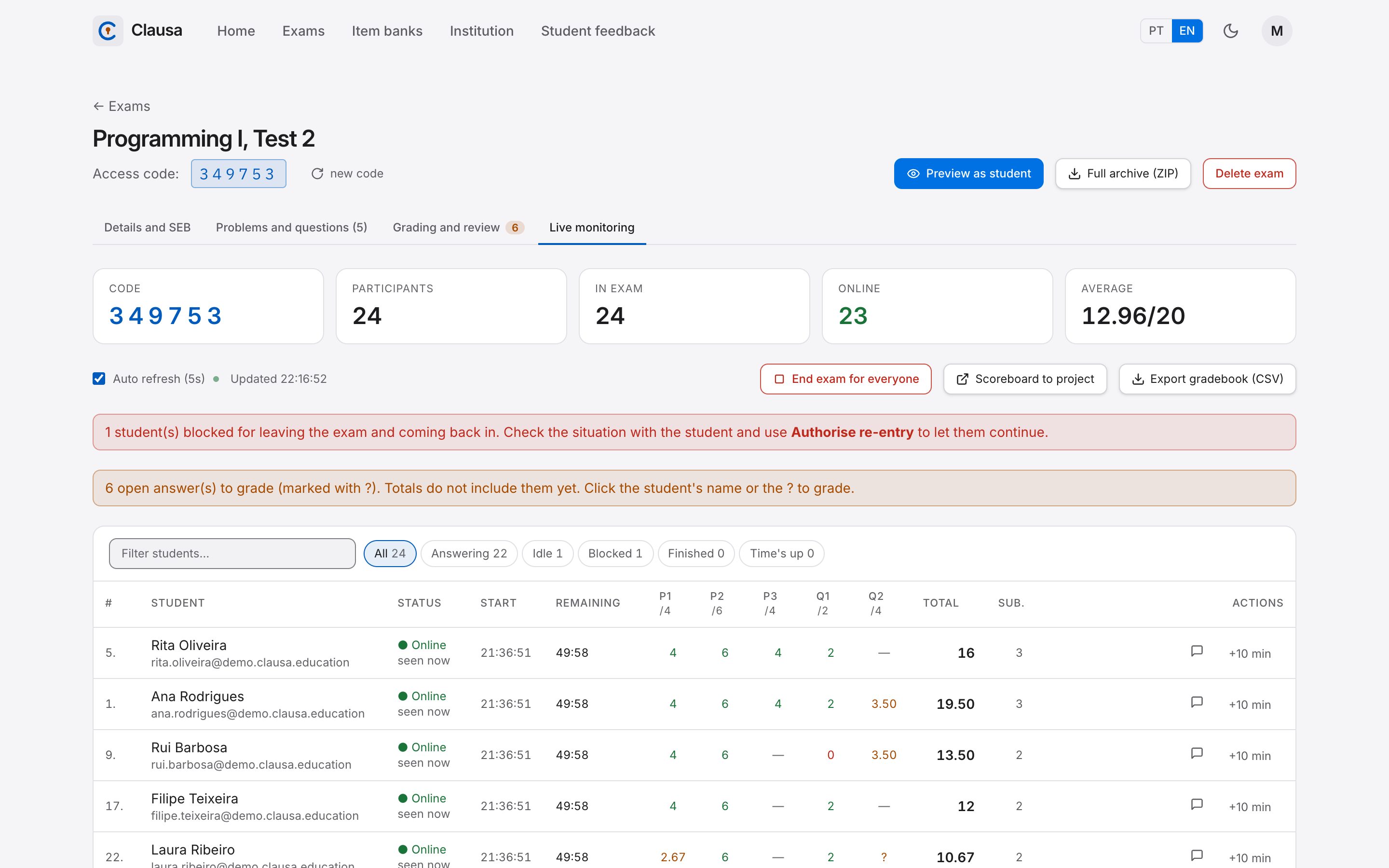
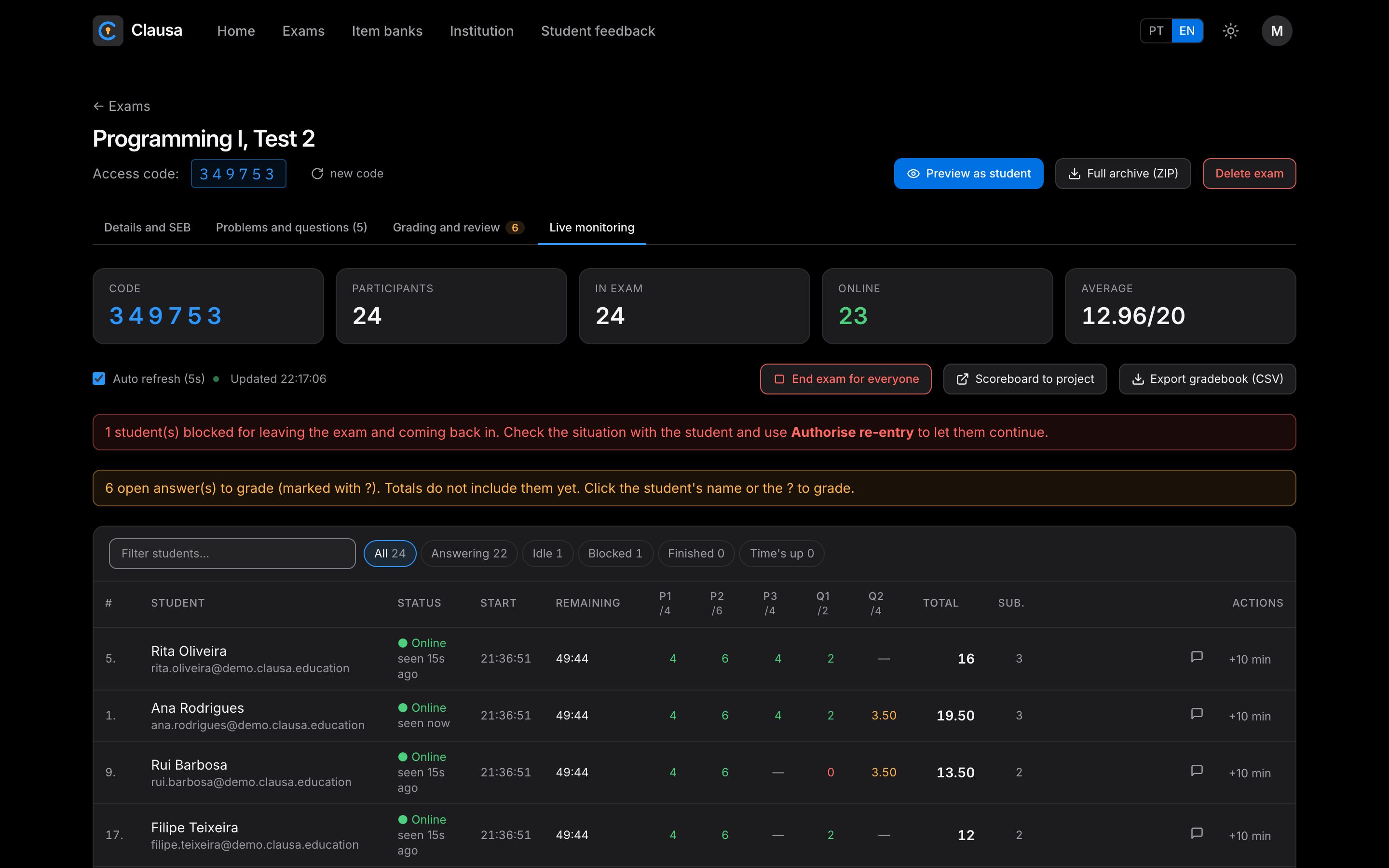
The whole room, on one screen.
Who is in the exam, who left, who has handed in and how much time each one has left. With video, each student’s camera, live and unrecorded, in the room or remotely.
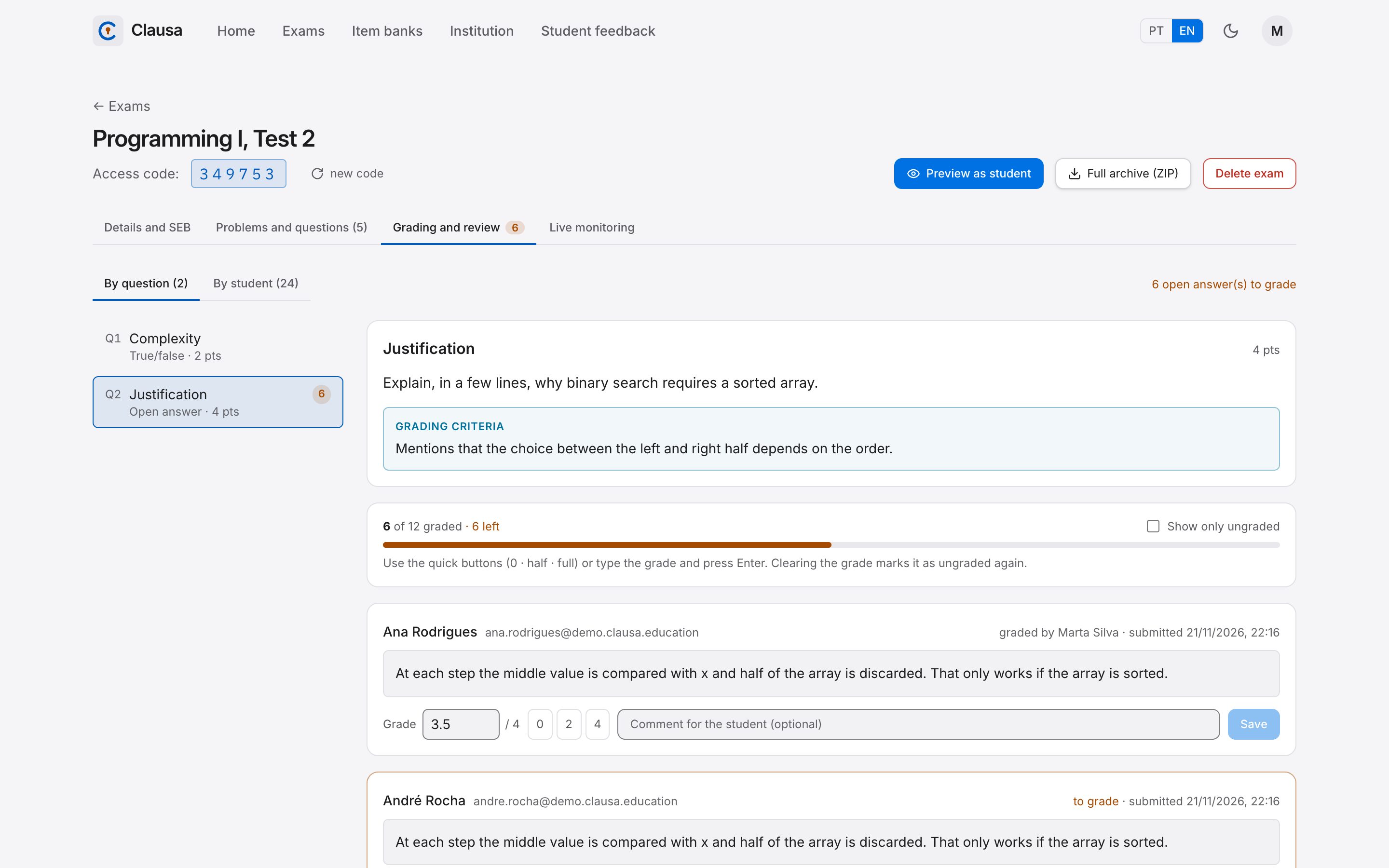
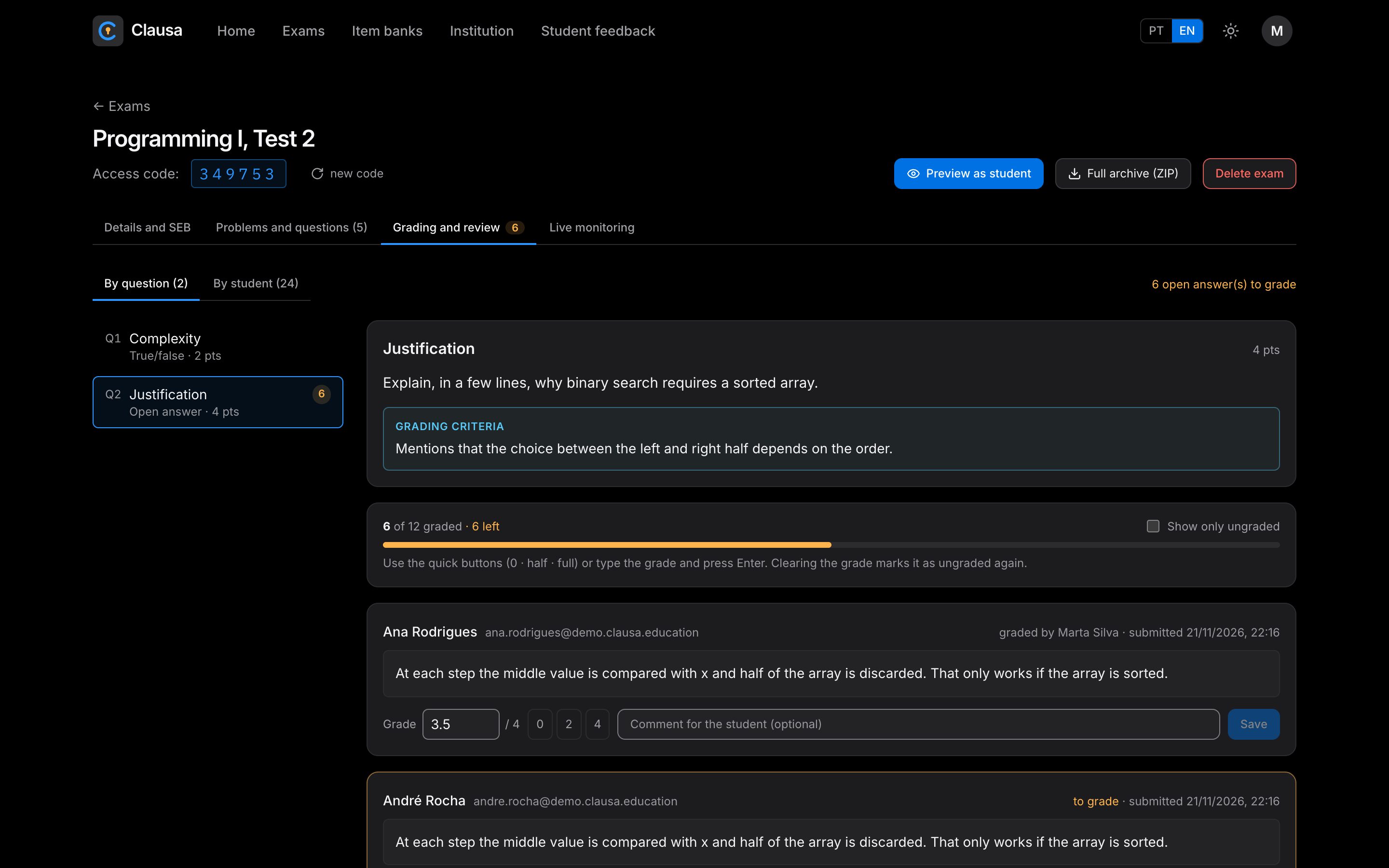
Marking and records
Mark in minutes. Defend every grade.
Multiple choice, true or false and programming mark themselves. Entries, exits and answers are logged to the minute, ready for any appeal.
What people who use it point out.
Easy to use
Creating an exam, following it and marking it needs no training: the teacher does it all in the browser.
Integrity back in exams
A tool that shuts out AI and copying, and keeps a record of everything that happened.
Students focused on learning
When the exam is fair, what counts is knowing how to do it. Everyone can trust the assessment again.
Everything an exam needs.
Any subject
Multiple choice, true or false and open answers, with formulas and images.
A different exam for each student
Random questions and shuffled options, for students side by side.
Remote too
With each student’s camera, live and unrecorded (being tested).
Programming
Code in C, Java, Python and more, tested automatically.
Just the browser
Nothing to install, besides Safe Exam Browser when the exam requires it.
Your data, kept apart
Each institution in its own space, or Clausa installed at your institution.
For whoever assesses.
Secondary schools
Tests in computer rooms or on students’ laptops, in any subject.
Training centres
Module assessments, in person or remote, with a record of how they went.
Universities
Exams with hundreds of students and several teachers per course.
Clausa is under continuous development: new features are on the way, including camera proctoring, which is already being tested.
Frequently asked questions
Can students use ChatGPT during the exam?
With Safe Exam Browser, no: the computer only shows the exam and will not open other apps or websites. Without it, the exam runs in an ordinary browser and protection is weaker; for important assessments, we always recommend Safe Exam Browser.
What about phones?
No software can control a phone. That is what camera proctoring is for: the teacher sees each student live, in the room or at home, and the room’s rules still apply.
Do I need to be good with computers?
No. Creating an exam is like filling in a form: questions, options and marks. Teachers and students only need the browser; Safe Exam Browser (free, for Windows, macOS and iPad) is only needed in exams where the teacher requires it, and its configuration is generated automatically.
Where is the data kept?
On Clausa’s infrastructure, separated by institution. If you prefer, Clausa is installed at your institution and the data never leaves the building.
How much does it cost?
Clausa is tailored to each institution, whether a secondary school, a training centre or a university, and priced per student: fair and suited to each one’s reality. Request a demo and we will talk about your case.
Guides to secure online exams
How to run computer-based assessments that measure what students actually know: practical guides, drawn from real exams, for teachers, schools and universities.
- How to stop students using ChatGPT in computer-based examsRead the guide →
- Safe Exam Browser: how to run secure exams on computersRead the guide →
- Digital tests in secondary schools: how to run them securelyRead the guide →
- Programming exams with automatic gradingRead the guide →
- Remote exams with live camera proctoringRead the guide →
- Import Moodle questions in GIFT formatRead the guide →
Try it today, from both sides of the exam.
Get a link by email to a demo of your own, with sample exams: sign in as a teacher, student or administrator, with no sign-up or password. If you prefer, we can also walk you through it on a call.